A GPS-powered tablet app for agricultural pivot planning.
Platform
iPad (Tablet)
Industry
Agriculture / Irrigation
Role
Product Designer — End-to-End
Duration
2022 – 2025
Tools
01 / Overview
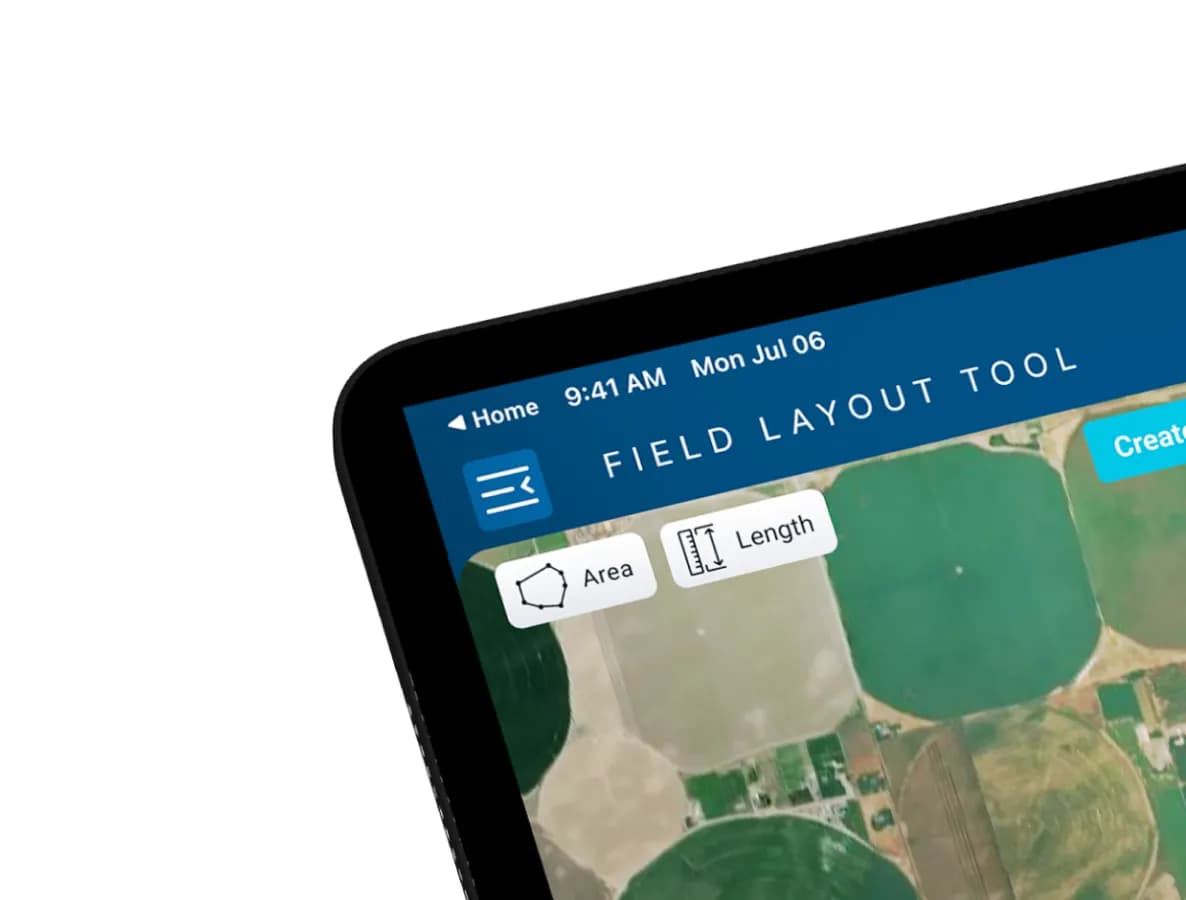
The Field Layout Tool is a professional-grade iPad application for agricultural dealers who plan and install center-pivot irrigation systems — entirely in the field, not at a desk.
Before this app, dealers depended on a legacy desktop tool that required them to be at a computer, offered no GPS precision, and had no elevation awareness. This project replaced that workflow entirely with a connected, GPS-accurate, field-first experience.
Duration
3 Years
Platform
iPad App
Screens Delivered
50+ Screens
02 / Challenge
A desktop workflow that didn't survive the outdoors.
How do you take a complex, desktop-first engineering workflow and rebuild it as a precise, intuitive, GPS-powered tablet experience that works in harsh outdoor field conditions?
No field mobility
Dealers had to operate the desktop tool before going outdoors, then manually transfer observations.
Imprecise point placement
Desktop planning couldn't match on-the-ground realities.
No elevation data
Dealers couldn't account for terrain.
Disconnected data flow
Field and desktop data lived in separate silos.
No real-time navigation
No GPS guidance while walking the field.
No live draw capability
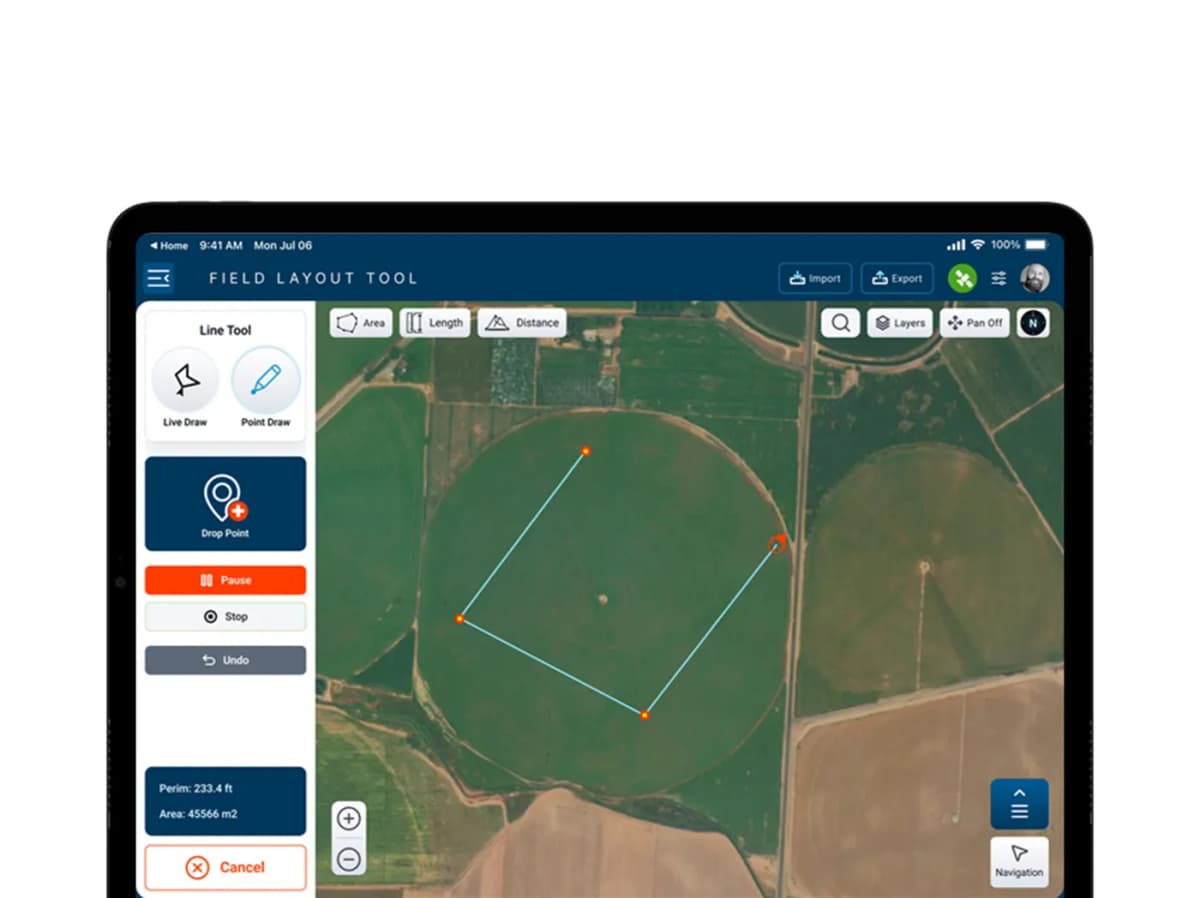
Boundaries couldn't be drawn in real-time on site.
03 / Process
Research → Architecture → Design → Prototype → Handoff
Legacy Audit
Deeply studied the existing desktop application — documented every screen, every user action, every pain point. Mapped the old workflow step by step.
User Flow Mapping
Used FigJam to map the complete new user journey — from syncing a project, through GPS drawing and navigation, to syncing data back to the desktop.
Design System
Built a full design system following Valley brand guidelines — tablet-first, outdoor-use conditions: large touch targets, high contrast, clear hierarchy.
Feature Design
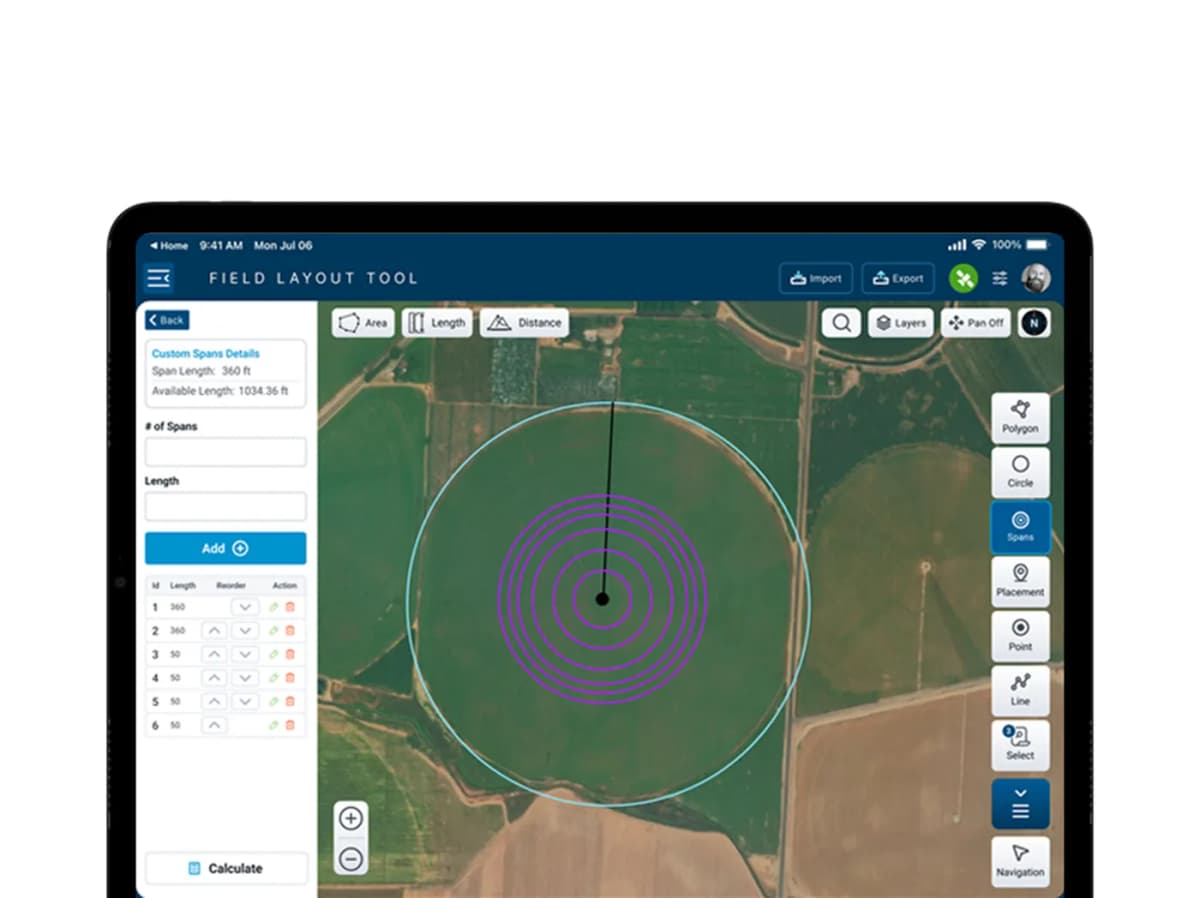
Each core feature designed with its full range of states: empty, loading, active, success, error, and edge cases. Nothing was left undocumented.
Developer Handoff
Restructured the final Figma file from the ground up for developer clarity — named layers, organized components, annotated interactions, 50+ screens.
04 / Screens
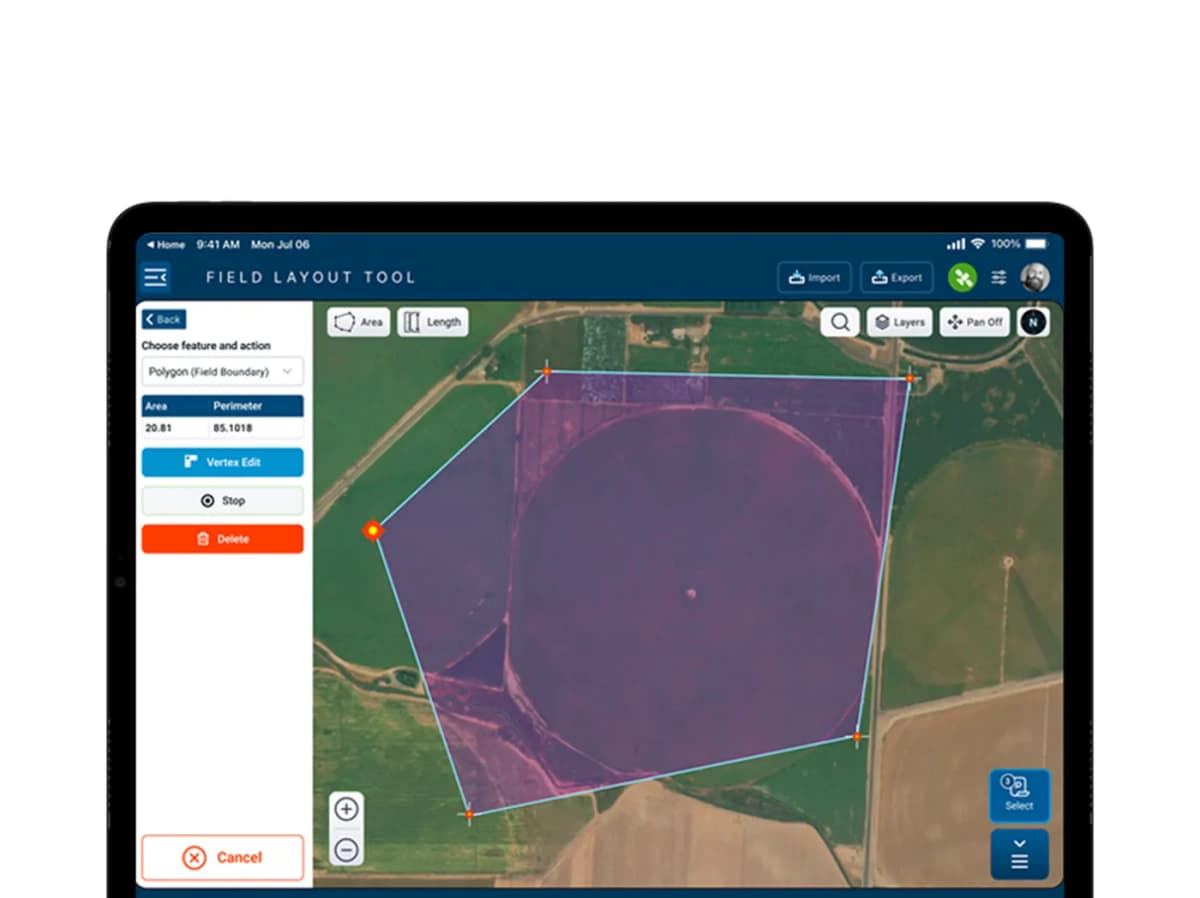
05 / Design Decisions
Every decision was filtered through one reality: a dealer standing in a large field, in direct sunlight, wearing gloves.
Oversized Vertex Handles
Standard 24pt touch targets become unusable in gloved-hand, direct-sunlight conditions. All interactive map elements use a minimum 44pt touch target — significantly larger than convention.
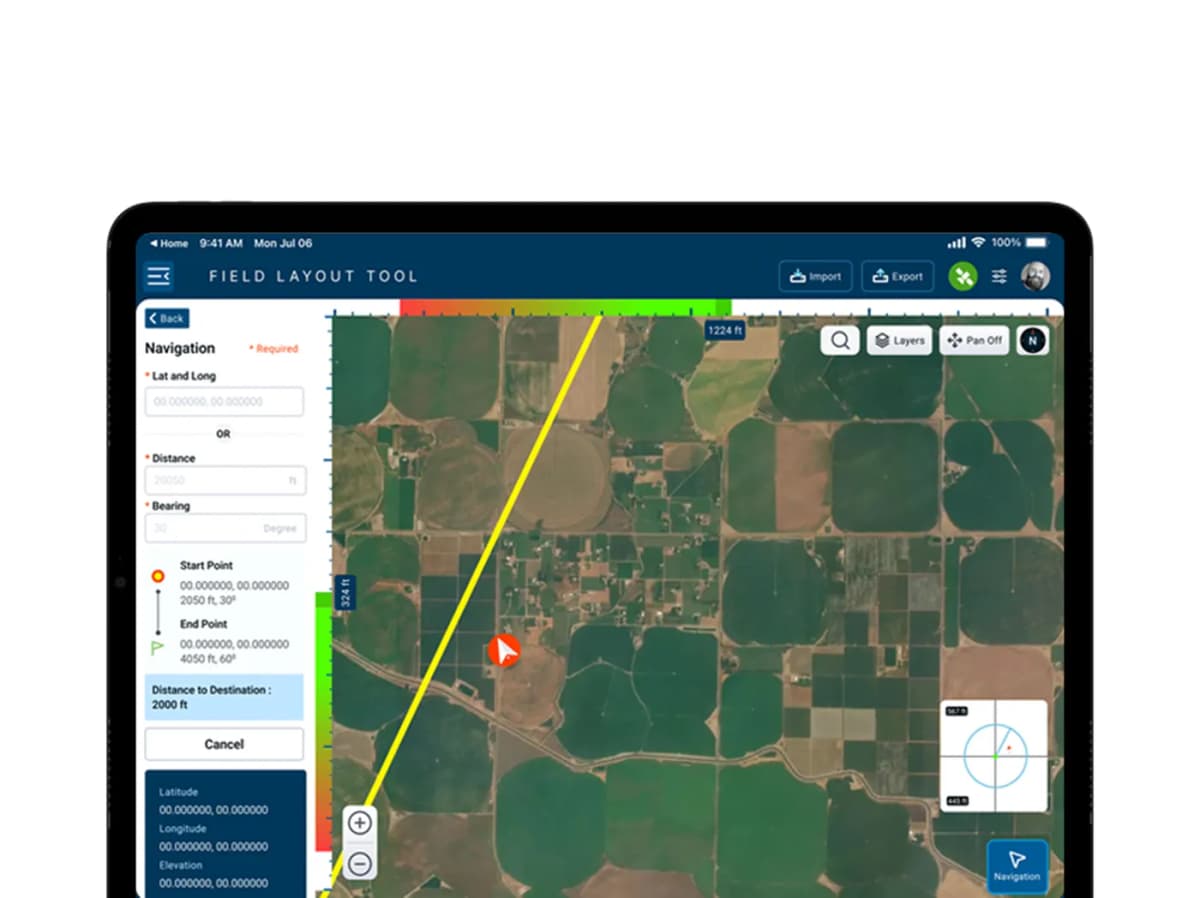
Yellow Navigation Line
Valley blue would blend into sky-tone satellite imagery. Bright yellow (#F2C94C) provides maximum contrast against all terrain types — green fields, brown soil, grey roads — and remains visible in direct sunlight.
Color Gradient Proximity Bar
A full-width Red → Green gradient bar replaces a numeric countdown during navigation. A dealer walking a large field can look up and know instantly how close they are — no reading required.
Vertex Offset — Precision Input
A 5mm drag error on a tablet screen represents 20–50 feet of misalignment in the field. Vertex Offset lets dealers input exact angle + distance — GPS-accurate repositioning without physical drag error.
Full-Screen Sync Confirmation
Dealers upload irreplaceable field survey data in remote locations with unreliable connectivity. A small toast is not enough. A large centered green checkmark — impossible to miss before closing the app.
Dual Progress Indicators
During Sync Up, both percentage (57%) and item count (14/28) are shown simultaneously. Percentage gives a quick gestalt. Item count gives precise tracking — especially critical over slow rural connections.
06 / Outcome
“The result is an app that looks simple — because the complexity was absorbed into the design. The dealer experience is clean, direct, and confidence-inspiring.
GPS Accuracy
GPS-accurate field surveys replaced imprecise desktop point placement — eliminating the guesswork that drove costly on-site errors.
Elevation Intelligence
Real-time elevation data introduced for the first time in the dealer workflow — enabling accurate slope-sensitive pivot engineering from the field.
Connected Pipeline
Sync pipeline connects tablet field data directly to desktop engineering calculations — zero manual re-entry, zero transcription errors.
In Production
50+ screens delivered, full design system production-ready, and the Navigation tool eliminated the need for separate GPS devices on field visits.
Next Project